

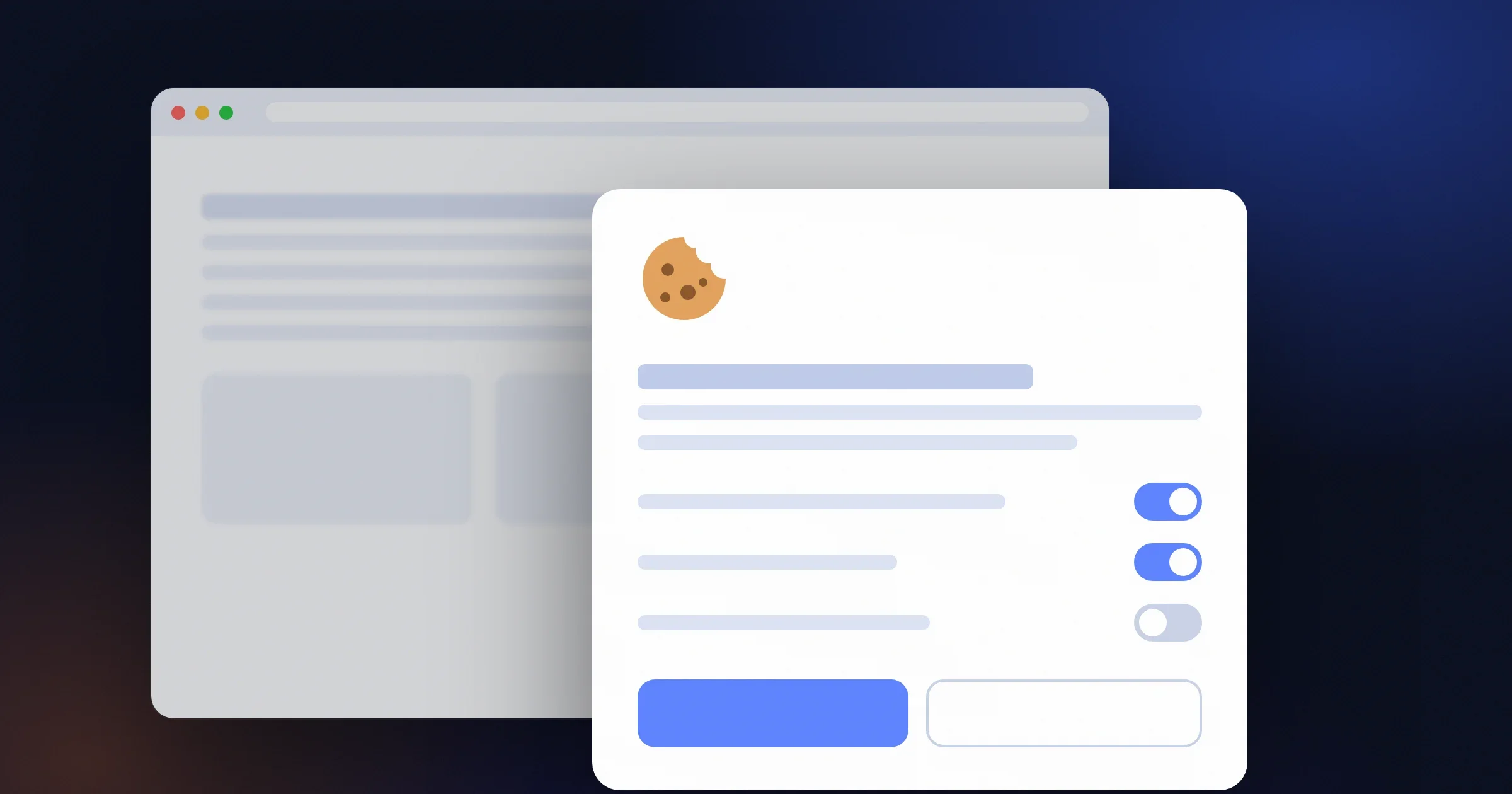
If your TOWeb site displays a cookie consent banner, chances are it will need an upgrade in 2026. The regulatory landscape is changing very quickly: new CNIL requirements, widespread adoption of Google Consent Mode v2 for advertising and analytics, growing blocking of third-party trackers… Until now, every legislative change meant republishing your site to stay compliant.
With the TOWeb 14.05 update, free for every TOWeb 14 license holder, your cookie banner automatically switches to the WebLegal CCB — WebLegal's new Cookie Consent Banner. It is modern, lightweight, compliant and, above all, it keeps itself up to date without you having to republish your site every time the regulations change.
Why upgrade your TOWeb site's banner
Since TOWeb 9, a first consent banner has been available to ask visitors for their agreement on cookies. It served well for years and enabled thousands of TOWeb sites to collect consent. But the legal framework around it has tightened considerably since it was introduced:
- Every new regulatory requirement meant republishing your TOWeb site to benefit from it (adding a category, new wording required by the CNIL, a change in the consent format). So you had to keep an eye on legal news and republish manually with every update.
- Google Consent Mode v2 became mandatory in March 2024 for any advertising or analytics measurement of European visitors, which required an adaptation that the old banner did not support natively.
- Configuration was done service by service, which covered the list of services known at the time of publication well, but left out any custom third-party script you might have added yourself in your <head> section.
The WebLegal CCB addresses all of these points and, above all, it updates itself.
Real tracker blocking, not a cosmetic banner
The WebLegal CCB automatically recognizes and blocks 37 known third-party services before any consent: Google Analytics, Meta Pixel, Hotjar, TikTok Pixel, LinkedIn Insight, Intercom, YouTube, Vimeo, Google Maps and many more. The list is kept up to date by WebLegal, without any action on your part.
Better still: if you have added a third-party script yourself in your site's <head> section (an emailing tool, a chat, an alternative analytics tool), the CCB respects the visitor's choice for that script too. This is a case the old banner could not anticipate.
Native Google Consent Mode v2
Google Consent Mode v2 is now essential if you use Google Ads or Google Analytics 4. The WebLegal CCB implements it natively: the visitor's consent is correctly passed to Google from the very first click, without you having to touch a single script. Your advertising campaigns remain measurable and your GA4 data compliant.
Your SEO preserved — a rare advantage
Here is a point that no competing free cookie banner handles correctly: the indexing robots of Google, Bing, Yandex and DuckDuckGo, as well as preview bots (Facebook, WhatsApp, LinkedIn, Twitter/X), see your full content, not a consent banner.
Without this precaution, Googlebot would index an impoverished version of your site in which your YouTube videos, your Google Maps and your third-party embeds would be replaced by an "accept cookies to see this content" block. The result: lost rankings, degraded Google snippets, broken social previews. The WebLegal CCB automatically detects these robots and serves them the content as is, without ever storing a cookie. Your human visitors, on the other hand, do see the banner and their choices are strictly respected.
A more modern interface for your visitors
For the visitor, the change is visible at first glance:
- No more service-by-service activation. Visitors choose by category (strictly necessary, analytics, marketing, functional) — it is both quicker for them and more in line with the CNIL recommendation.
- A button to reopen preferences, always accessible, clearly identifiable, placed in a corner of the screen (as with Cookiebot or OneTrust).
- A clean design, automatic dark mode, light/dark/auto themes, and colors you control from TOWeb.
- 30 supported languages, detected automatically based on the visitor's browser.
Drastically simplified settings in TOWeb
With the old banner, you had to enter every third-party service, every label and every category manually. With the WebLegal CCB, TOWeb's GDPR panel is reduced to the essentials:
- Enable WebLegal as the default banner (already ticked after the upgrade).
- Choose a main color (automatically taken from your TOWeb theme).
- Choose a theme: light, dark, automatic.
- Optional: enable the side tab for reopening.
That's all. All the mechanics of blocking, service detection, translation and legal compliance live on the WebLegal side, and evolve without you touching your site.
Automatic updates — no more republishing
This is probably the most tangible long-term benefit. The CCB script is loaded from weblegal.ai. When regulations change, when a new tracker appears, when a new language is added or when Google updates its Consent Mode, you have nothing to do. No new TOWeb publication, no manual site update, no script to paste again. Your banner stays compliant at all times.
The fines are not theoretical
As a reminder, not having a compliant banner can cost you dearly. The CNIL has fined several French sites amounts of several hundred thousand euros, and the European regulation provides for fines of up to 4% of annual turnover or 20 million euros for the most serious breaches. The specific rules on cookie consent and the associated penalties are detailed in the article Cookie policy: CNIL rules and penalties.
The banner doesn't do everything — think about your legal documents too
The consent banner manages the placement of cookies at the time of the visit. But it does not tell your visitors how you process their personal data, nor under what conditions you sell your products or services, nor what their terms of use of the site are. For that, you need four separate documents:
- Terms of use (ToU) — rules for using the site
- Privacy policy — processing of personal data (GDPR art. 13/14)
- Cookie policy — details of the trackers placed
- General terms and conditions of sale (T&Cs) — for online stores
Before TOWeb 14.05, integrating these documents was a manual job: copy-pasting HTML, creating sections, adjusting the footer, disabling indexing. Half a day's work at least, and a constant risk of transcription errors.
TOWeb 14.05 puts an end to this chore. The new WebLegal legal documents dialog automates everything:
- “Open WebLegal with my pre-filled form” button — TOWeb automatically passes your company name, SIRET number, intra-EU VAT number, address, contact details and business sector to the WebLegal form. You save ~10 minutes of typing and get zero transcription errors between your company profile and your documents.
- Purchase on WebLegal — Essential €19.90 (ToU + Privacy), Pro €34.90 (+ Cookies) or Business €49.90 (+ T&Cs) packs. The documents are generated in a few seconds by WebLegal's AI and simultaneously comply with the GDPR, California's CCPA, the UK Data Use and Access Act and equivalent regulations in Brazil, Canada and Australia.
- “Retrieve my documents” button in TOWeb — you enter your purchase email and your WebLegal invoice number, TOWeb queries the API and automatically places the 4 URLs in the right spots on your site (footer, checkout acceptance box, the banner's “Learn more” link). You republish your site, and you're done.
Total: 5 minutes from start to finish. Details in our dedicated article: TOWeb 14.05 - Your legal documents generated and integrated in 2 clicks.
How to get it
Already on TOWeb 14?
Download the 14.05 update and republish your site. The WebLegal CCB is enabled by default in the GDPR settings. If you want to go back to the old banner for a particular reason, you can re-enable it manually in the same settings.
On TOWeb 13 or an earlier version?
Now is the time to move to TOWeb 14. The upgrade gives you access not only to the built-in WebLegal CCB, but also to all the V14 new features (including native invoicing, e-commerce improvements, new widgets, etc.). See the TOWeb 14 upgrade prices — the cost remains far lower than the risk of a CNIL penalty.
Really don't want to upgrade?
You can integrate the WebLegal CCB manually into your existing site by pasting the script provided on the weblegal.ai/fr/cookie-banner/ page into the <head> section of your TOWeb site. The advantage of TOWeb 14, however, remains built-in configuration and guaranteed visual consistency with your theme.
Upgrade your license to TOWeb 14
To upgrade:
→ Install TOWeb 14 on the computer where your current version of TOWeb (1 to 13) is installed, launch TOWeb 14 and click Licence / About in the File step.
→ Or have your latest TOWeb purchase invoice to hand and go to the licence upgrade page for TOWeb V14
If you have any difficulty, you can contact our sales team via our contact form.
All the new features introduced in TOWeb 14 are detailed on the following page:
→ All the new features in TOWeb 14