

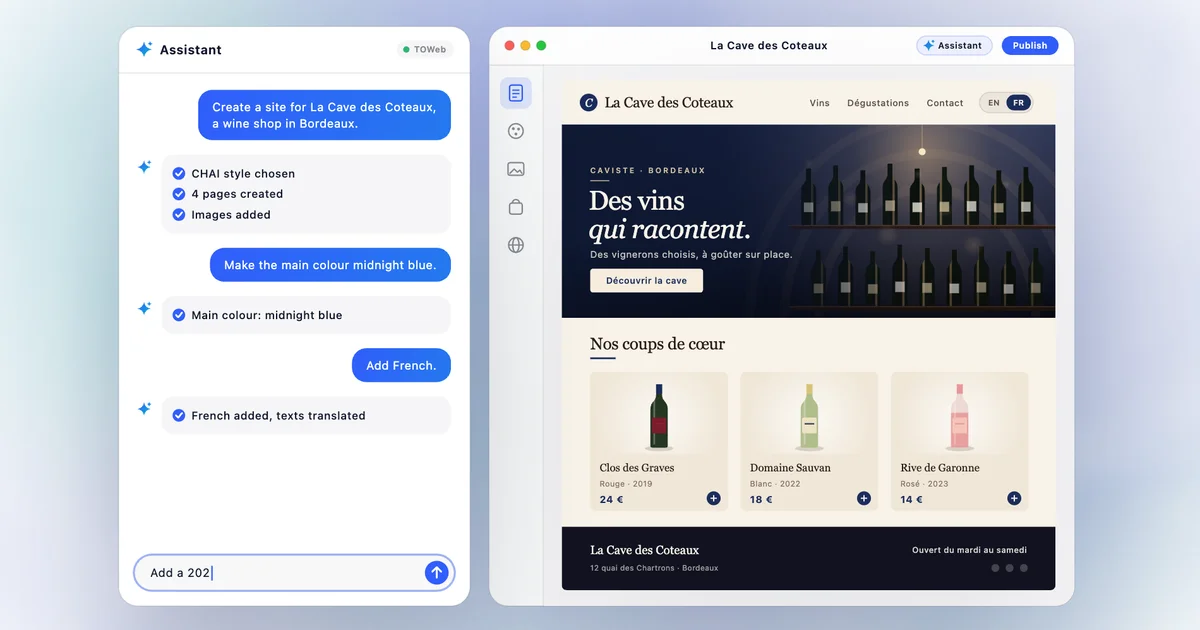
Available to try in every edition of TOWeb 15, in full in the Studio edition, paid once, no subscription. See pricing
Until now, an AI could write you a text or explain how to do something. With TOWeb 15, it does it. You describe your website to the assistant you already use, Claude, ChatGPT or Gemini, just as you would to a web designer: your business, your pages, your languages. It builds it in TOWeb, before your eyes: the pages, the texts, the images, the shop, the translations, all the way to publishing.
What it changes
A website is a long series of small decisions: which pages, in what order, with which words, which images, which prices. Until now, you made them all, then carried them out one by one. Now you keep the decisions, and the assistant does the work.
You talk to it as you would to a person: “Give our tasting evenings more prominence”, “Add an English version”, “Create a page for our prices”. It does it, in TOWeb, with TOWeb’s styles and blocks. And when you like the result, you ask it to publish.
All of this goes through MCP, the open standard that connects an AI assistant to your software. You don’t need to know how it works: TOWeb takes care of it.
Three reasons to trust it
- You watch it happen. With TOWeb open, every page, every text and every image appears on screen the moment the assistant creates it. And everything can be undone, just like your own changes.
- It’s a real TOWeb website. It lives on your computer and opens even offline. It can be published with the host of your choice, in several languages, and refined by hand afterwards like any TOWeb website. No platform keeps it for itself.
- It’s your assistant, not ours. You work with the one you already know, Claude, ChatGPT or Gemini, with the subscription you already have.
Two websites, one request each
To show you what it looks like, we asked Claude to build demo websites from start to finish, with no manual touch-ups in TOWeb. Each assistant received the same short brief: a TOWeb style chosen in advance, 4 to 6 pages, real photos, specific copy and a final check with TOWeb’s review tool. Here are two of them, with the exact request, as it was written.
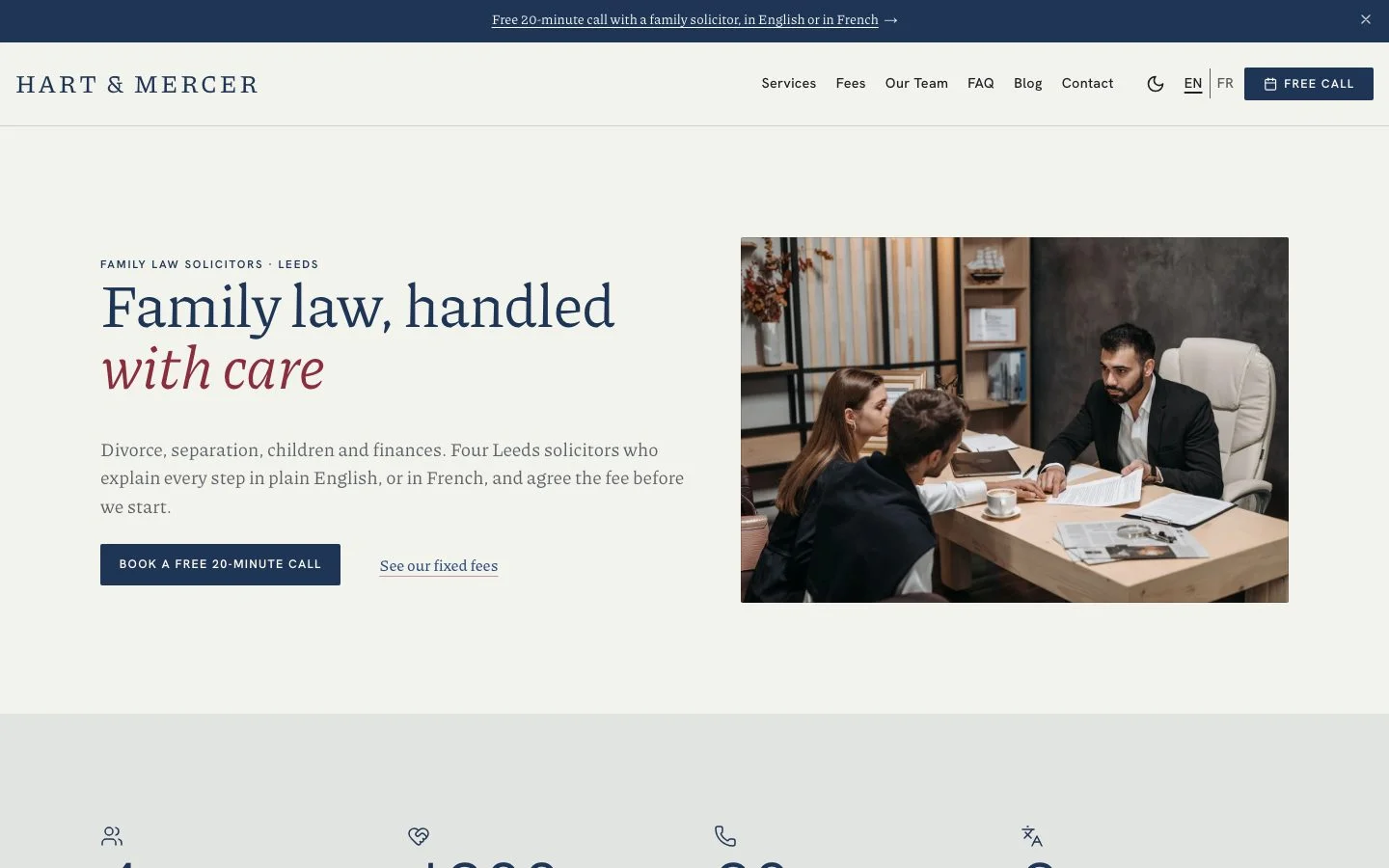
Hart & Mercer, a family law firm in Leeds, in English and French:
“Create a website for Hart & Mercer, a family law firm in Leeds with four solicitors. Areas: divorce and separation, child arrangements, financial settlements, and mediation. Tone: reassuring, clear, never cold. Include the team, fixed-fee packages with prices, a FAQ, and a contact page with a booking form for a free 20-minute call. English and French, as many of our clients are French expats.”
Then two follow-up requests: “Add a short blog with two articles answering common questions about divorce in England.” and “Add a Guides section with three step-by-step guides (getting divorced in England and Wales, financial orders, child arrangements), each opening with a table of contents, and let clients leave a review of our service on the home page.” The result: the team, the fixed-fee packages, a FAQ, booking for the free call, a blog, three step-by-step guides, a review form, and two languages. See the Hart & Mercer website
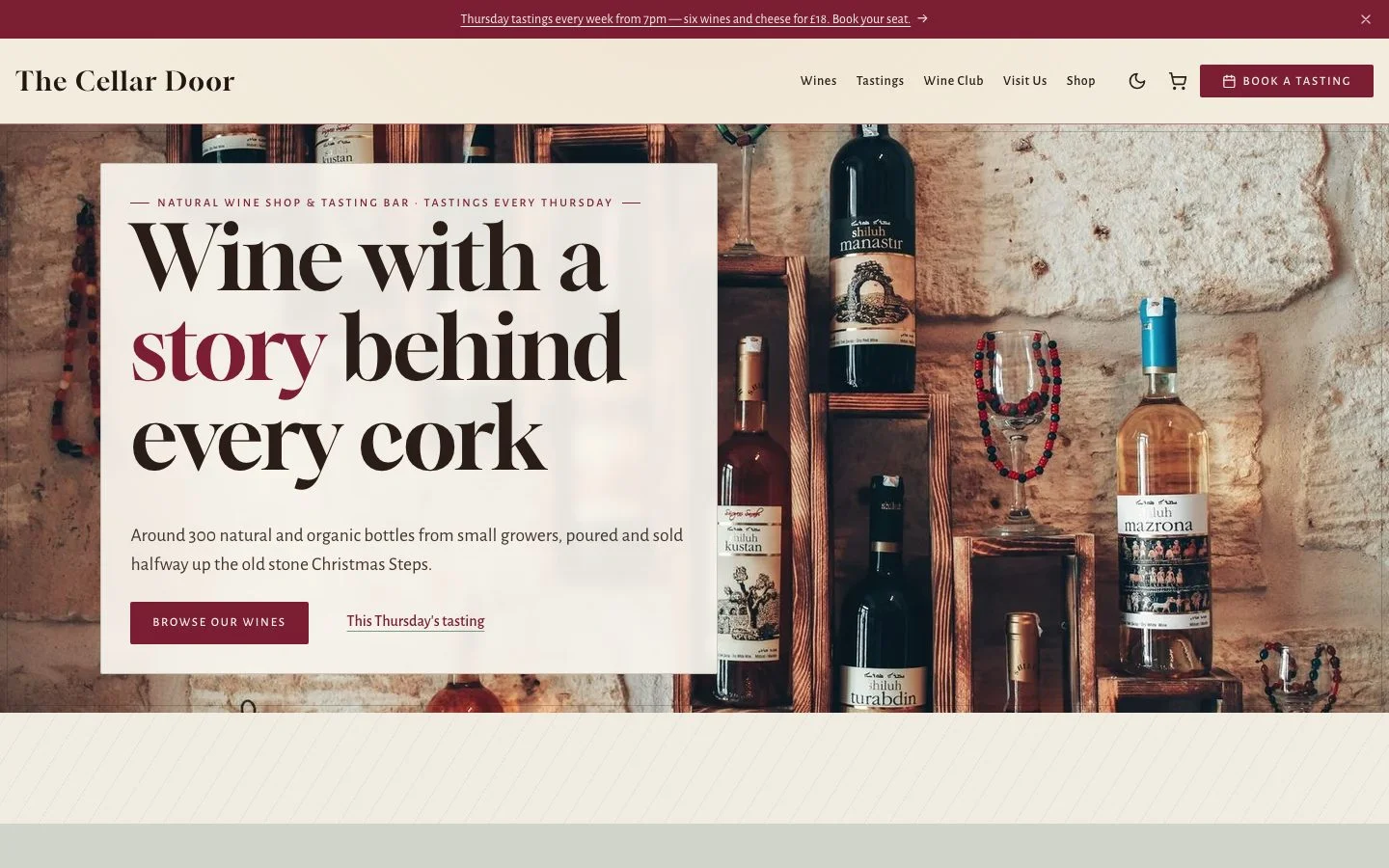
The Cellar Door, a wine shop and tasting bar in Bristol:
“Build a website for The Cellar Door, an independent wine shop and tasting bar in Bristol. We sell around 300 natural and organic wines from small growers, run Thursday evening tastings, and offer a monthly wine club. I'd like a warm, slightly old-world feel, pages for our wines, tastings, the wine club, and how to find us. Put six of our favourite bottles in the shop with prices.”
Then two follow-up requests: “Make the tasting evenings stand out more on the home page.” and “We sell alcohol: ask visitors to confirm they are 18 or over before entering the site. Add a newsletter sign-up for wine club news, a 10% welcome code WELCOME10 for a first order, and show our newest bottles on the home page.” The result: a warm cellar atmosphere, the wine club, the tasting evenings in the spotlight, a shop with its prices and newest bottles, the age check, the newsletter and a welcome code. See The Cellar Door website
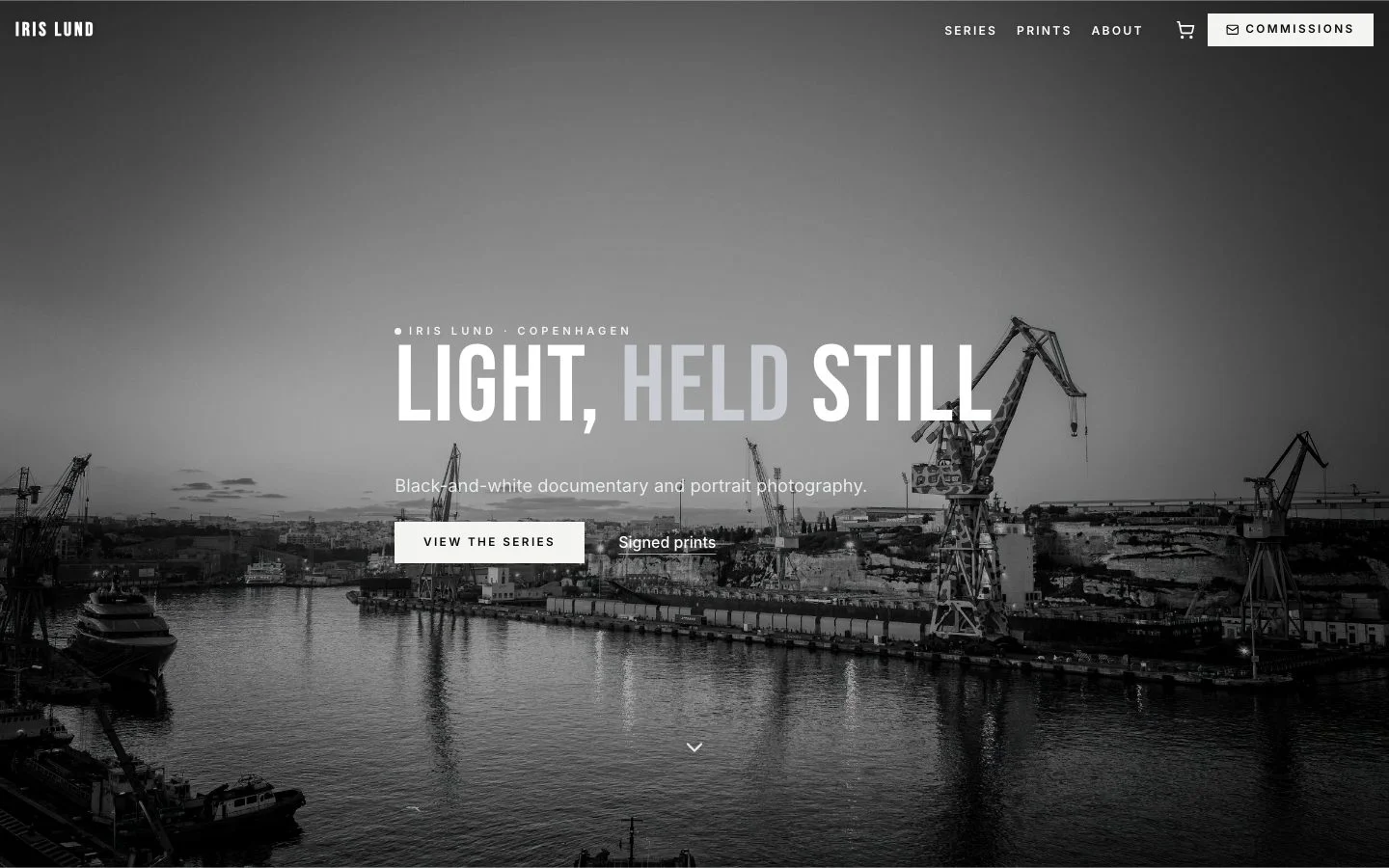
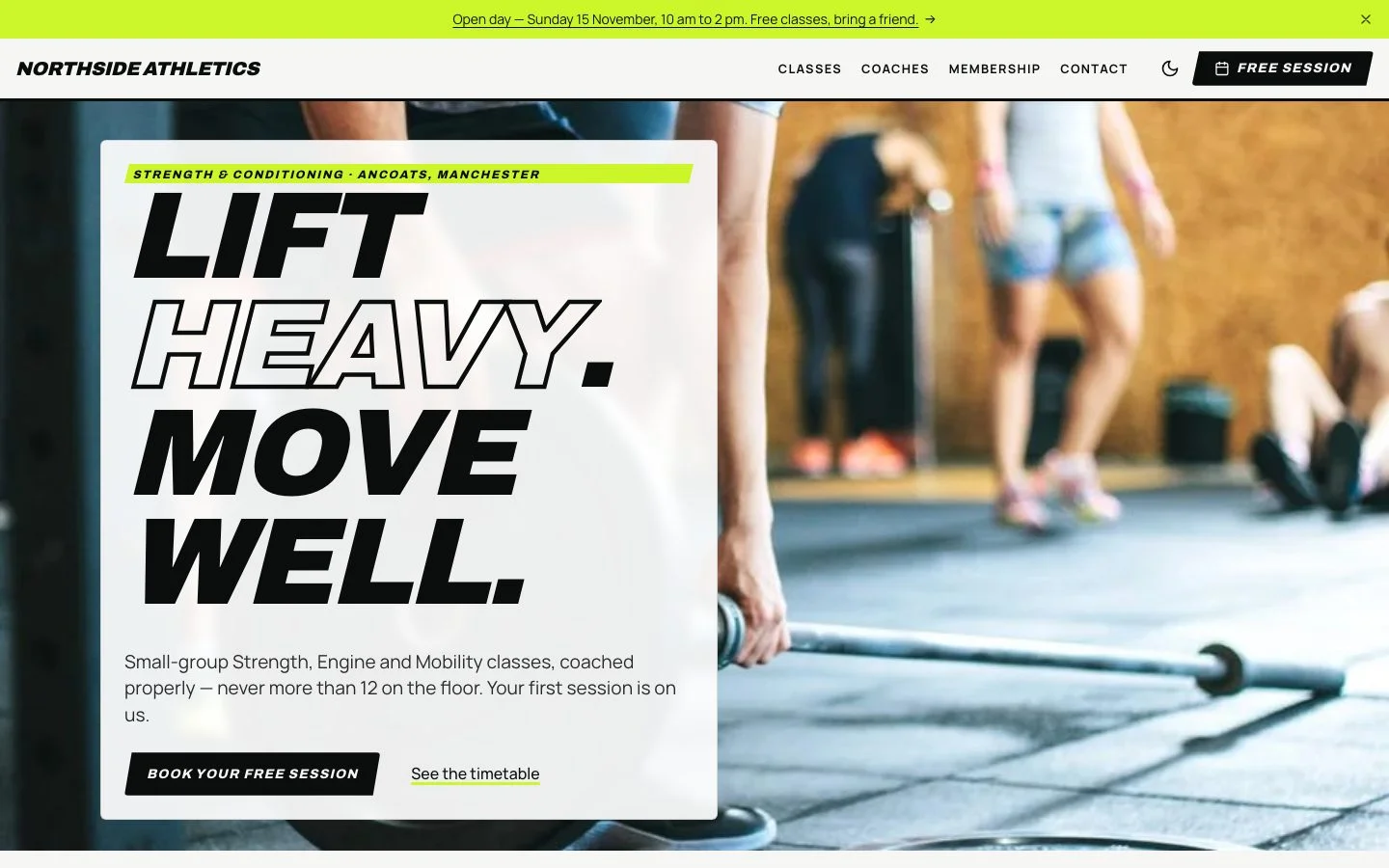
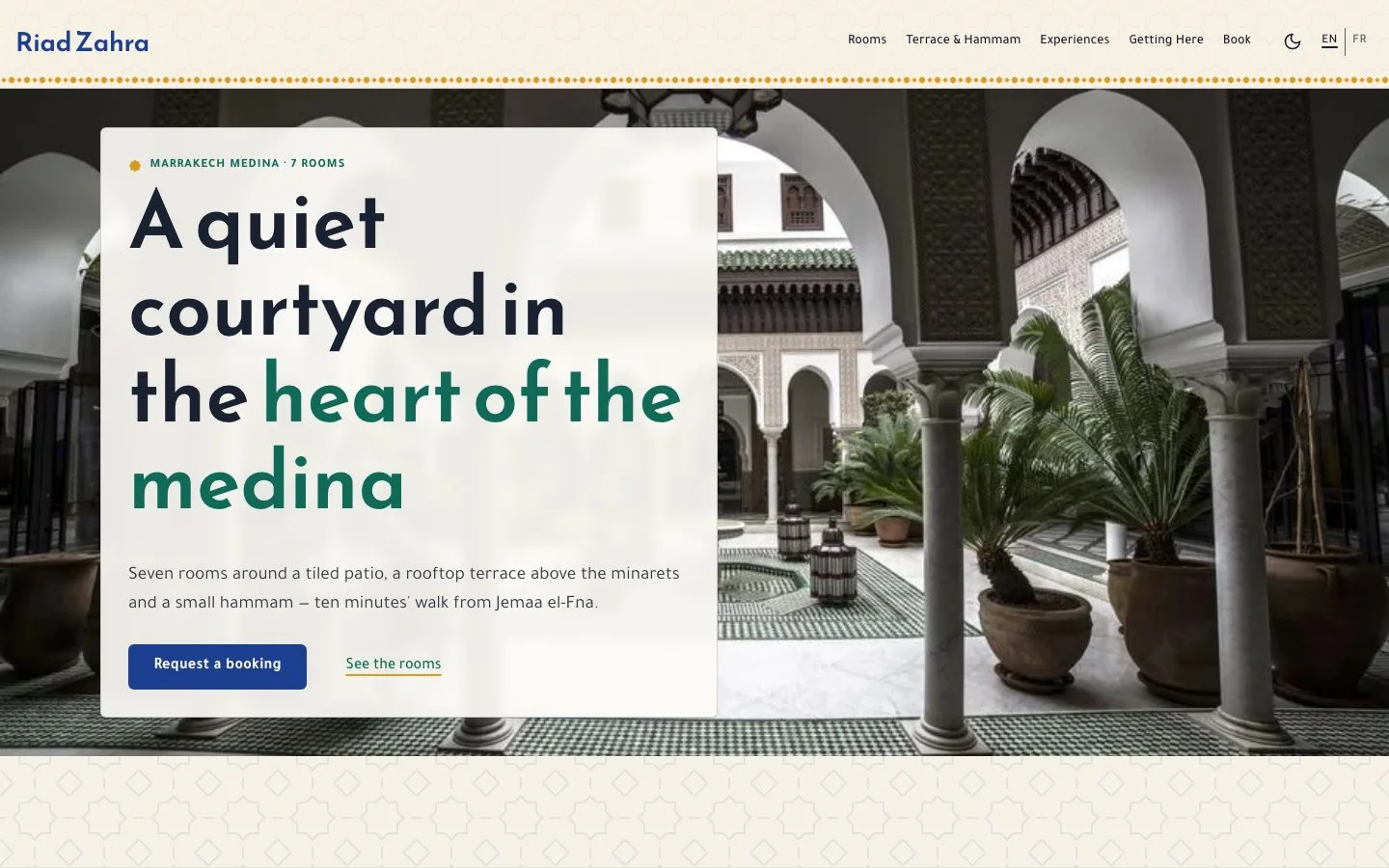
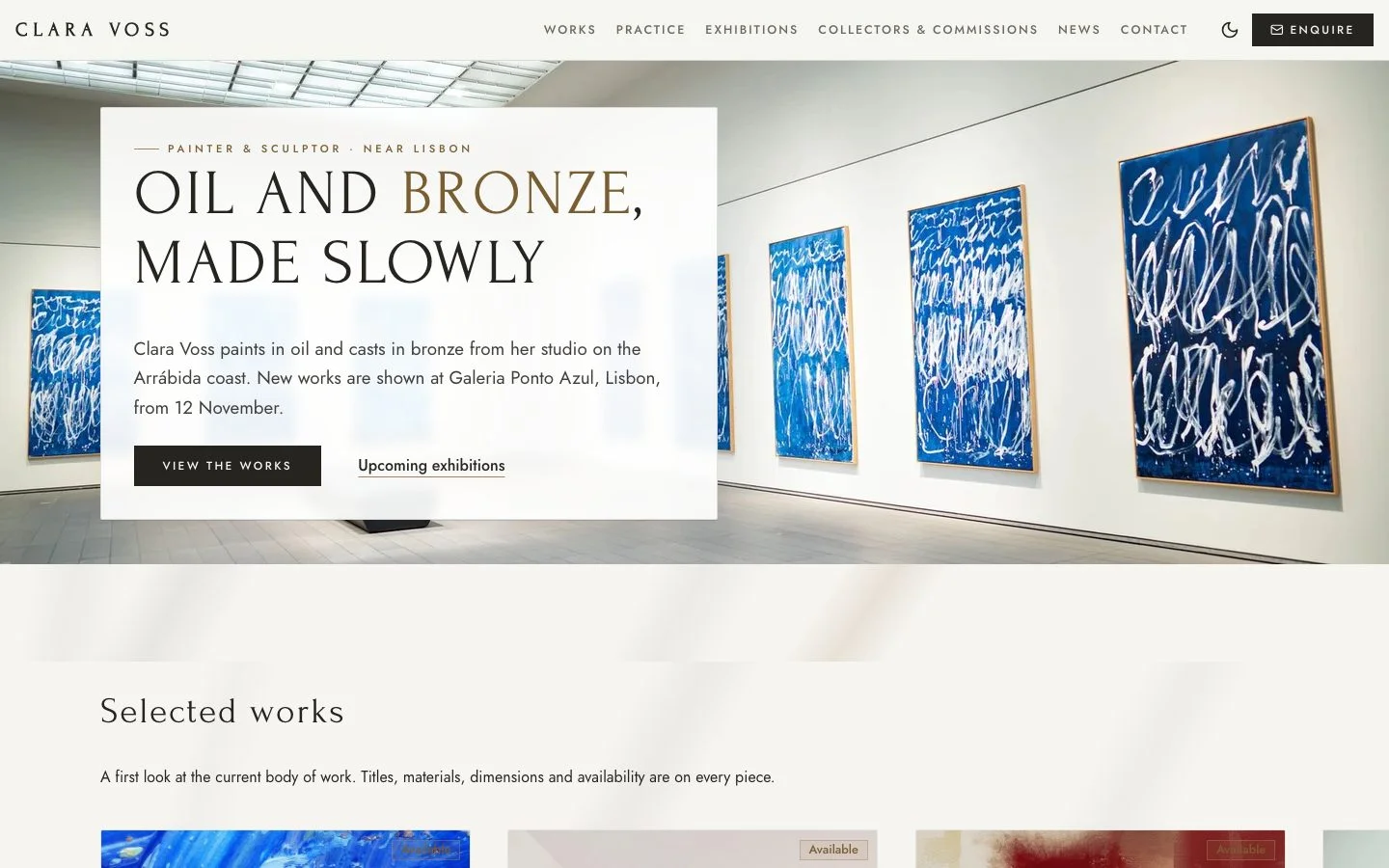
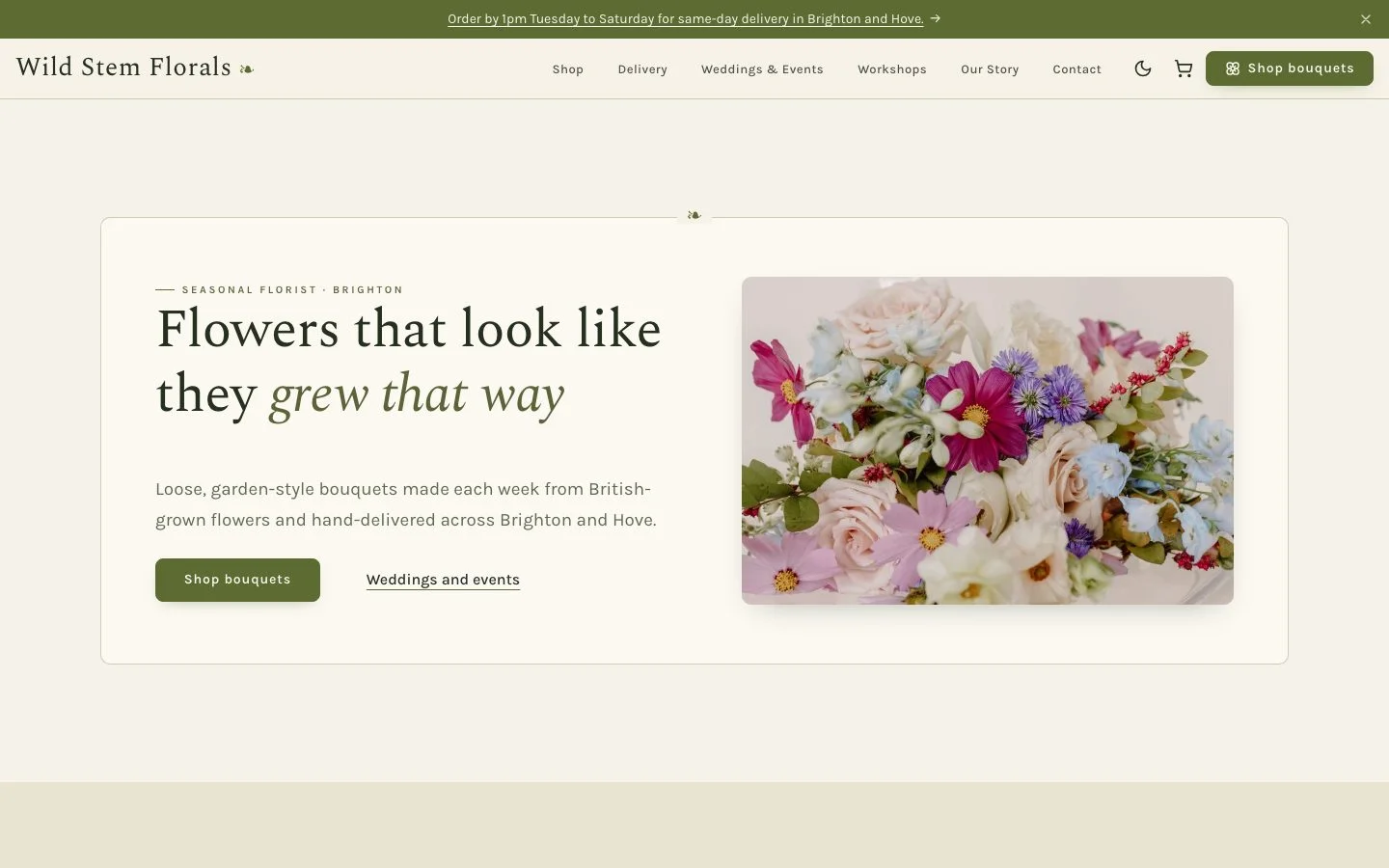
Six more sites were built the same way, from a painting studio near Lisbon to a riad in Marrakech. See all eight demos, each one live and ready to explore.
Getting started, in three steps
- Turn on assistant control in TOWeb. In Settings › AI, turn on “Allow AI assistants”. Access stays closed until you open it, and can be switched off in one move.
- Add TOWeb to your assistant. One click on “Add to Claude Desktop”, “Add to ChatGPT” or “Add to Gemini”: TOWeb writes the configuration for you. Restart the assistant, and it’s connected.
- Describe your website. As you would to a web designer: your business, your pages, your languages. The assistant suggests TOWeb styles, then builds the website before your eyes. To get you started, TOWeb offers a few ready-to-copy requests.
The step-by-step guide, assistant by assistant, and our tips for writing good requests are in the documentation: Driving TOWeb with an AI assistant.
Available to try everywhere, in full in Studio
Fully driving TOWeb with an AI assistant is part of the Studio edition of TOWeb 15, paid once, with no subscription. In the other editions, you can try it: the assistant builds complete websites before your eyes, without touching the websites you made by hand, and a website created during the trial can be published with the Studio edition, without redoing anything. The AI built into TOWeb is still there, in every edition, to write a page or polish a text. Driving TOWeb with an assistant goes further: it hands the whole website to the assistant of your choice, from the first word to publishing.